
Key Takeaways
- Learn how to build a SaaS architecture that handles growth without costly rebuilding.
- Discover when to choose a modular monolith and when microservices make sense.
- Understand how to design secure multi-tenancy and prevent cross-tenant data exposure.
- Explore proven database, cloud, and DevOps strategies for reliable scaling.
- See how MeisterIT Systems builds SaaS platforms that remain secure, stable, and cost-efficient as demand grows.
Introduction
A scalable SaaS application must handle more users, tenants, data, and transactions without suffering frequent downtime, unstable performance, or uncontrolled infrastructure costs.
Scaling problems rarely come from one component. They usually appear when the application architecture, database, tenant model, deployment process, and cloud infrastructure no longer work together. Queries become slower, releases become riskier, and engineering teams spend more time resolving production issues than delivering features.
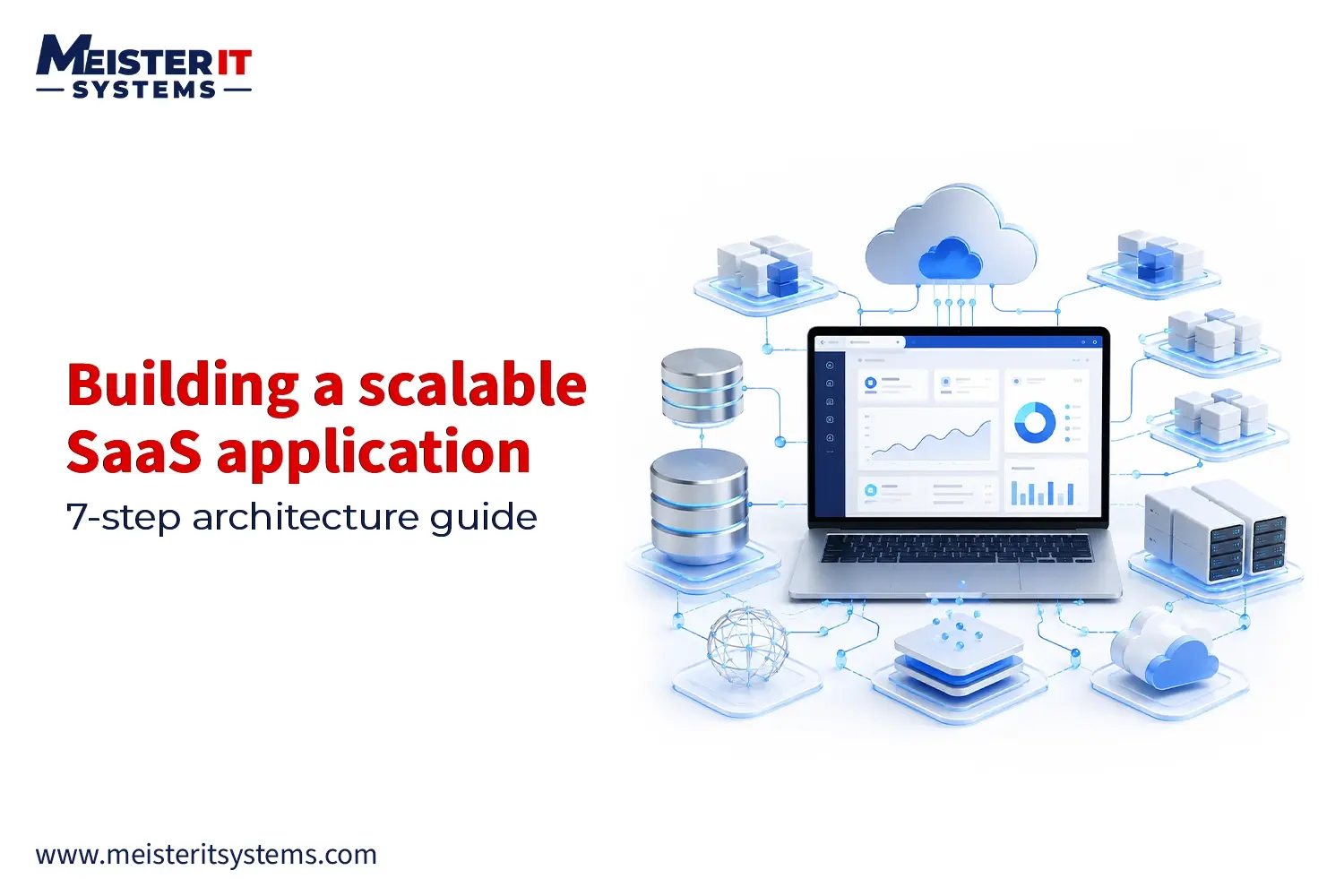
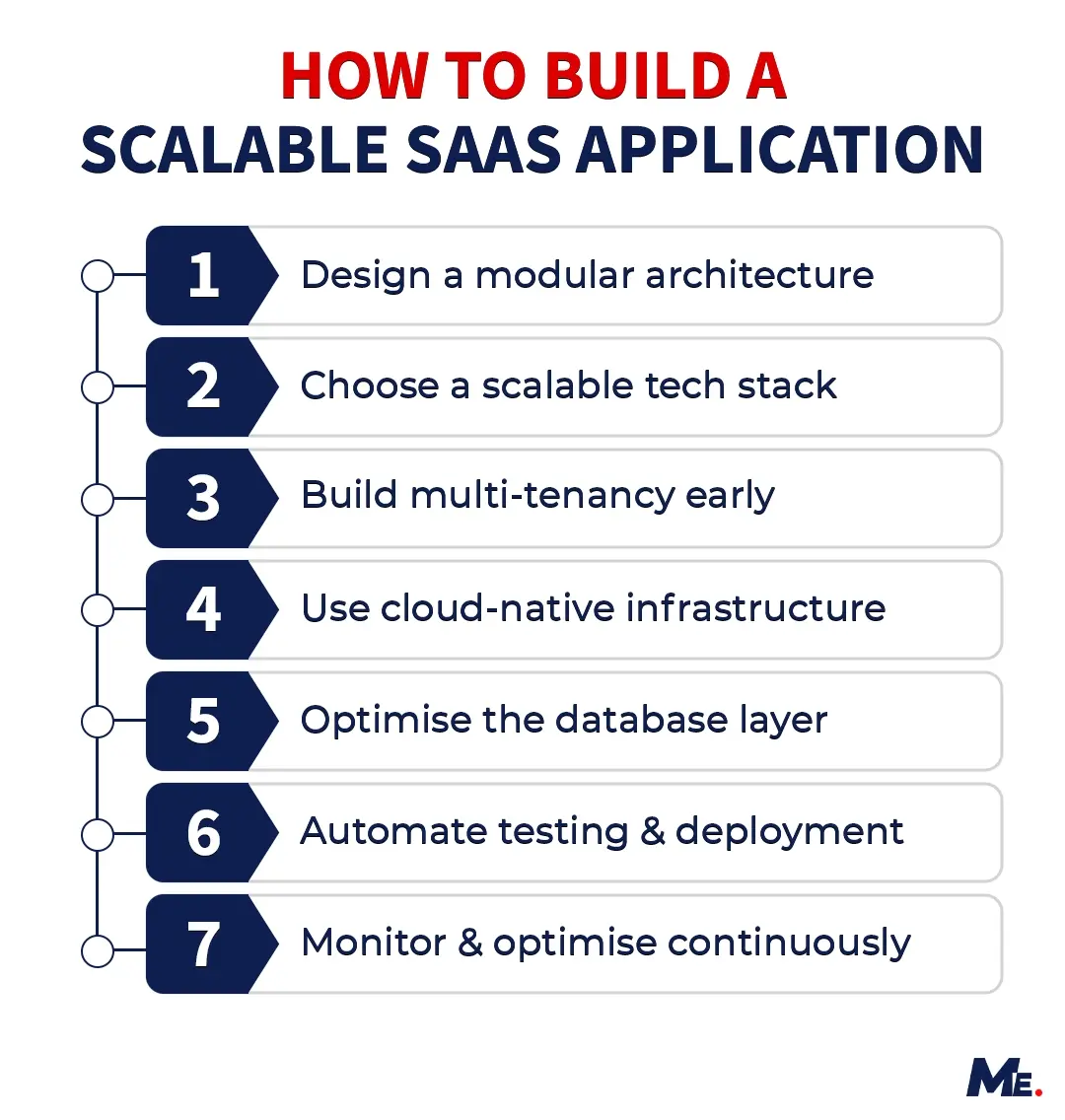
This guide explains how to build a scalable SaaS application through seven practical steps. It covers architecture, technology selection, multi-tenancy, cloud infrastructure, database scaling, DevOps automation, security, resilience, and observability.
Quick Answer: How Do You Build a Scalable SaaS Application?
A scalable SaaS application is built using a modular architecture, a suitable multi-tenancy model, stateless application services, a scalable database layer, automated deployment pipelines, and cloud infrastructure that responds to changing workloads.
Security, tenant isolation, monitoring, backups, and failure handling must also be included from the beginning. Scalability is not about using more infrastructure. It is about ensuring every part of the platform can grow without creating a new bottleneck.
What is a Scalable SaaS Application?
A scalable SaaS application can support increasing numbers of users, tenants, transactions, and data without requiring a complete architectural rebuild or a proportional increase in operational costs.
Scalability does not mean preparing for millions of users from the first release. It means designing the platform so that individual components can be improved, replaced, or scaled as real demand increases.
There are two primary infrastructure scaling approaches:
- Vertical scaling: Increasing the CPU, memory, or storage available to an existing server. It is simple to implement, but every server has a capacity limit.
- Horizontal scaling: Adding more application or service instances and distributing traffic between them. It provides greater flexibility but requires stateless services, load balancing, and careful management of shared dependencies.
Horizontal scaling is not unlimited. Database capacity, network communication, third-party services, shared storage, and coordination between distributed components can still create bottlenecks.
How to Build a Scalable SaaS Application: The 7-Step Framework
Building a scalable SaaS application is not about choosing a single technology. It is the result of a series of architectural and operational decisions. The framework below provides a practical roadmap for building SaaS products that can grow without requiring major rework.
Step 1: Design the Right SaaS Architecture
Architecture decisions made at the start of a SaaS project are the hardest to reverse later. The two dominant approaches are monolithic and microservices architectures.
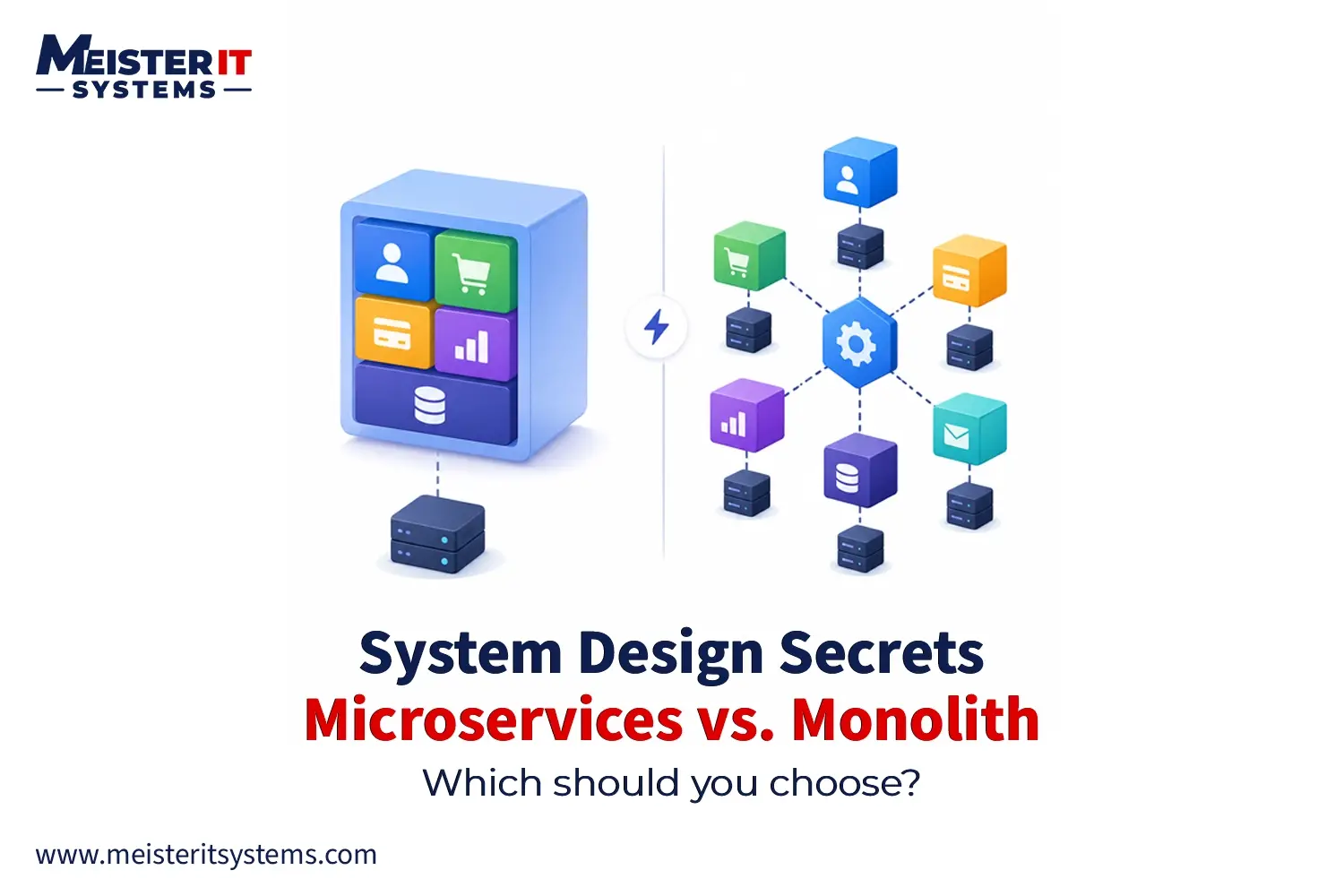
- A Monolithic Architecture keeps everything in one deployable unit. It’s faster to build initially, easier to debug, and a perfectly valid choice for early-stage SaaS products. The downside: as the codebase grows, deployments get slower, scaling becomes coarse-grained, and teams start stepping on each other.
- A Microservices Architecture breaks the application into independently deployable services. Each service handles a single domain of business logic, can be scaled independently, and can be updated without touching the rest of the system. The trade-off is operational complexity. You need service discovery, inter-service communication patterns, distributed tracing, and a more mature DevOps capability to make it work.
The choice between these architectures has a significant impact on your long-term ability to scale, so it’s worth thinking through carefully. For a deeper look at the trade-offs, read our article: [Monolithic vs Microservices Architecture: Which One Should You Choose?]
As a starting principle, most early-stage SaaS products benefit from a well-structured monolith that’s built with future decomposition in mind. Design clean boundaries between domains now, even if you’re not deploying them separately yet.
Step 2: Choose a Technology Stack That Can Scale
There’s no universally correct tech stack for SaaS application development. The right choices depend on your team’s existing expertise, the performance characteristics of your product, and your expected growth trajectory.
That said, some patterns hold across most successful SaaS platforms.
1. Backend
Node.js, Go, and Python are common choices. Node.js handles high concurrency well and shares language context with frontend teams. Go excels in performance-critical services and compiles to efficient binaries. Python works well for data-heavy or ML-adjacent platforms. Java and .NET remain dominant in enterprise SaaS, where ecosystem maturity matters.
2. Frontend
React and Next.js dominate the SaaS frontend space. Next.js adds server-side rendering and static generation, which improves initial load performance and SEO. For complex, real-time UIs, combining Next.js with a WebSocket layer or a state management library like Zustand gives you good control.
3. Infrastructure
Kubernetes is the de facto standard for container orchestration in production SaaS. It handles service scaling, self-healing, rolling deployments, and resource management. AWS, Azure, and Google Cloud all offer managed Kubernetes services (EKS, AKS, GKE) that remove the cluster management overhead.
Step 3: Build Multi-Tenancy into the Foundation
Multi-tenancy is what makes SaaS economics work. Instead of running separate infrastructure for every customer, a multi-tenant architecture lets multiple customers share the same application instance while keeping their data fully isolated.
There are three standard approaches to multi-tenancy:
- Shared database, shared schema: All tenants live in the same tables, separated by a tenant ID column. This is the cheapest to operate and easiest to maintain at scale. The risk is data leakage if queries are written incorrectly, and performance interference between tenants.
- Shared database, separate schemas: Each tenant gets its own schema within the same database instance. Better isolation than option one, easier migrations than option three, but schema management becomes complex at high tenant counts.
- Separate database per tenant: Maximum isolation. Useful for enterprise customers with strict compliance requirements (HIPAA, SOC 2, GDPR). Operationally expensive and harder to maintain at scale.
Most SaaS products start with a shared schema approach and offer a dedicated database option as an enterprise tier upsell. Build your data access layer with tenant context at its core from day one. Retrofitting multi-tenancy into an existing codebase that wasn’t designed for it is one of the most expensive re-architecture projects a SaaS team can take on.
Step 4: Build on Cloud-Native Infrastructure
Cloud-native SaaS applications are built to take full advantage of cloud services rather than treating the cloud as a hosting provider.
The core principles of cloud-native infrastructure:
- Containerization: Every service runs in a container. Docker is the standard. Containers give you consistency across dev, staging, and production environments.
- Orchestration: Kubernetes manages container scheduling, scaling, health checks, and rolling deployments. At production scale, you’re not manually managing containers.
- Infrastructure as Code (IaC): Terraform or AWS CDK define your infrastructure in version-controlled code. No more undocumented manual changes that cause production incidents.
- Managed services over self-managed: Use managed databases, message queues, and caching layers unless you have a specific reason not to. Operational overhead is a hidden cost.
- Autoscaling: Configure Horizontal Pod Autoscaler in Kubernetes to scale services based on CPU, memory, or custom metrics. Your infrastructure should respond to load automatically, not through a 3 AM Slack alert.
Serverless functions (AWS Lambda, Google Cloud Run) work well for event-driven workloads that don’t run continuously. They’re not a replacement for a well-orchestrated Kubernetes deployment, but they’re a good fit for background jobs, webhooks, and sporadic processing tasks.
Step 5: Scale the Database Layer Early
The database is the most common scaling bottleneck in SaaS applications. Getting the data layer right matters more than almost any other architectural decision.
1. Relational vs NoSQL
PostgreSQL is the default choice for most SaaS products. It’s proven at scale, has excellent support for complex queries and JSON data types, and handles both transactional and analytical workloads well. Aurora PostgreSQL on AWS adds replication and failover without changing your SQL.
NoSQL databases like DynamoDB or MongoDB make sense when you have truly unstructured data, need extreme write throughput, or need horizontal sharding at scales that relational databases struggle with. Don’t default to NoSQL because it sounds modern. Default to Postgres and move to NoSQL when you have a specific reason.
2. Scaling Patterns
- Read replicas: Add read replicas to Postgres or MySQL to offload read traffic from the primary. Most SaaS applications are read-heavy. This alone can handle 3-5x read scaling without architectural changes.
- Connection pooling: Use PgBouncer or RDS Proxy to manage database connections. At scale, unmanaged connections are a major source of database instability.
- Caching: Redis is the standard. Cache query results, session data, rate limit counters, and expensive computations. The goal is to serve as many requests as possible without hitting the database.
- Database sharding: Splitting data across multiple database instances by tenant, geography, or range. This is complex to implement and should be a deliberate decision, not a reactive one.
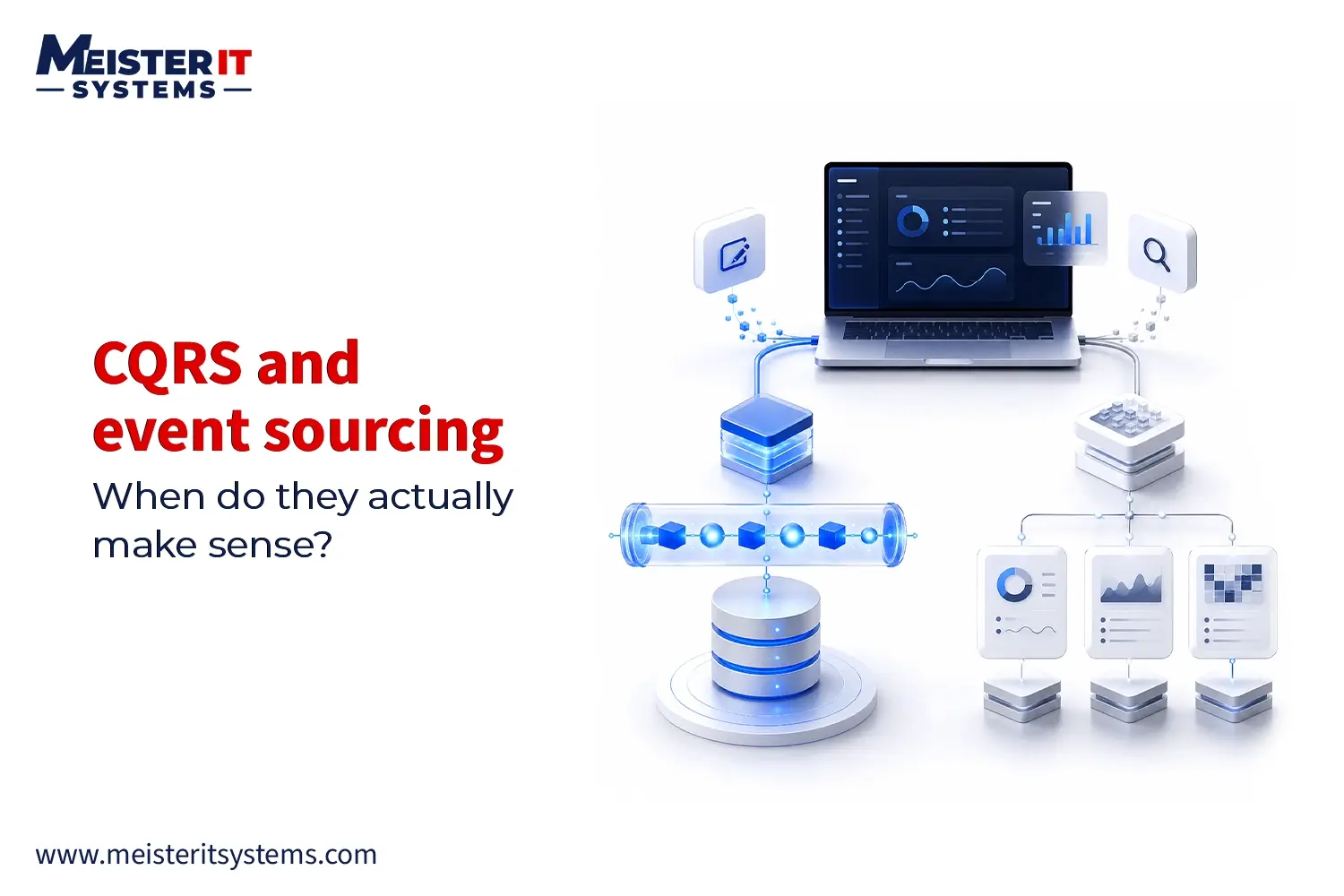
- CQRS and Event Sourcing: Separating read and write models allows each to be optimized independently. This is particularly useful in high-throughput SaaS platforms where write patterns and read patterns have very different requirements.
Step 6: Automate Deployment and Operations
DevOps is not a team. It’s a set of practices that connect your development and operations work so that shipping software is fast, repeatable, and low-risk.
1. CI/CD Pipeline Framework
A solid CI/CD pipeline for a SaaS platform looks like this:
- Code commit triggers the pipeline (GitHub Actions, GitLab CI, or CircleCI)
- Automated tests run: unit tests, integration tests, and security scans
- Docker image is built and pushed to a container registry (ECR, GCR, Docker Hub)
- Staging deployment happens automatically after tests pass
- Smoke tests and end-to-end tests run against staging
- Production deployment via rolling update or blue-green deployment
- Post-deploy monitoring checks for error rate spikes or latency increases
Blue-green deployments maintain two identical production environments. Traffic switches to the new version after validation, and you can roll back instantly if something goes wrong. This is the right pattern for SaaS platforms that can’t afford extended downtime.
Feature flags give you even finer control. Deploy code to production without activating it. Enable it for a percentage of users, monitor the impact, and roll out fully once you’re confident.
Step 7: Monitor and Optimize Continuously
You can’t fix what you can’t see. Observability in SaaS means having enough visibility into your system that you can understand not just that something is broken, but why.
The three pillars of observability:
- Metrics: Numerical measurements over time. Latency, error rates, throughput, resource utilization. Tools: Prometheus, Datadog, CloudWatch.
- Logs: Structured event records. Every service should emit structured JSON logs with consistent fields (timestamp, service name, trace ID, severity). Tools: ELK Stack (Elasticsearch, Logstash, Kibana), Loki, Datadog Logs.
- Traces: Distributed request tracing across services. When a request touches six services, traces show you exactly where time was spent and where failures occurred. Tools: Jaeger, Zipkin, AWS X-Ray, Datadog APM.
Set up alerting on meaningful thresholds, not just infrastructure metrics. An alert when the error rate exceeds 1% is more useful than an alert when CPU hits 80%.
Common SaaS Scalability Mistakes
Scalability problems often begin with reasonable technical decisions that remain unchanged as the product grows. Avoiding the following mistakes can reduce costly rework and production instability.
1. Moving to Microservices Too Early
Microservices introduce service discovery, network communication, distributed tracing, deployment coordination, and data-consistency challenges. Start with them only when independent scaling, deployment, or team ownership justifies the added complexity.
For many early-stage SaaS products, a modular monolith provides a faster and more manageable starting point.
2. Treating Kubernetes as a Default Requirement
Kubernetes provides advanced orchestration and scaling capabilities, but it also requires experienced engineers and additional operational management.
Smaller SaaS products may be better served by managed container platforms or platform-as-a-service solutions until their workload and deployment requirements justify Kubernetes.
3. Adding Multi-Tenancy After Development
Retrofitting tenant isolation into an existing application can require substantial changes to authentication, authorization, queries, data models, billing, and reporting.
Define tenant boundaries and include tenant context in the data-access layer from the beginning.
4. Scaling the Application but Ignoring the Database
Adding more application instances will not resolve slow queries, connection exhaustion, missing indexes, or database-locking problems.
Monitor query performance, introduce connection pooling, optimize indexes, and use caching or read replicas only where measurements justify them.
5. Ignoring Tenant-Level Security
Filtering records by tenant ID is not enough on its own. Authorization must be enforced consistently across APIs, background jobs, caches, exports, search indexes, and administrative tools.
Tenant-isolation tests should be part of the automated testing process.
6. Collecting Data Without Useful Alerts
Logs and metrics provide little value if teams cannot identify when customers are affected. Alerts should focus on service-level symptoms such as increased error rates, unusual latency, failed jobs, and reduced transaction success.
Every critical alert should have a clear owner and response process.
7. Having Backups Without Testing Recovery
A successful backup does not guarantee that the system can be restored within the required timeframe.
Test restoration regularly and define your recovery time objective and recovery point objective before a production incident occurs.
8. Ignoring Cost per Tenant
Infrastructure costs can increase even when the application remains technically stable. Track compute, storage, database, and third-party service usage against customer or tenant growth.
This helps identify expensive workloads, noisy tenants, and pricing models that may become unsustainable.
Related Build: A Scalable On-Demand Taxi Platform
MeisterIT Systems developed an on-demand taxi booking application built around real-time operations. The platform allows users to book rides, track drivers, receive instant confirmations, and complete payments through the mobile application.
Ride-hailing applications must process changing demand while keeping location updates, booking information, and payment workflows responsive. The backend was designed to support peak usage and future expansion across additional users and locations.
The application includes:
- Real-time ride booking and driver tracking
- Instant booking confirmations
- Secure in-app payment workflows
- Mobile applications for iOS and Android
- A scalable backend designed for changing demand
- Architecture prepared for future platform expansion
Build or Scale Your SaaS Platform With MeisterIT Systems
A scalable SaaS platform requires more than additional cloud resources. Its architecture, tenant model, database, deployment process, security controls, and monitoring must work together as usage increases.
MeisterIT Systems helps startups and established businesses design new SaaS products, modernize existing platforms, and resolve performance, reliability, deployment, and infrastructure problems.
Whether you are validating an MVP or preparing an existing product for further growth, our team can help you make architecture decisions based on your users, workload, security requirements, and operational capacity.
Discuss Your SaaS Architecture!
Conclusion
Building a scalable SaaS application starts with making the right architectural decisions early. A strong foundation in scalability, automation, security, and infrastructure helps your platform handle growth without costly rebuilds or performance issues.
Looking to build or scale a SaaS product? MeisterIT Systems helps startups and enterprises design, develop, and optimize scalable SaaS applications with modern architecture, cloud-native infrastructure, DevOps, and AI-driven solutions. Contact us today to discuss your SaaS development goals.
Frequently Asked Questions
Q1:How do you build a scalable SaaS application?
A1: To build a scalable SaaS application, focus on decoupling your architecture so components can grow independently. Start by containerizing your services using Docker and Kubernetes to allow for horizontal scaling. Next, choose a multi-tenancy model that balances cost and data isolation. Finally, protect your database layer by implementing Redis caching, setting up read replicas, and automating infrastructure management using Infrastructure as Code (IaC) tools like Terraform.
Q2: What architecture is best for SaaS?
A2: The best architecture for a new SaaS product is a modular monolith. It gives small teams the speed to ship features quickly without the operational complexity of distributed systems. For mature, high-traffic SaaS platforms with multiple engineering teams, a microservices architecture is better because it allows independent deployment and scaling of specific business domains.
Q3: When should you move to microservices?
A3: You should migrate your SaaS from a monolith to microservices when you hit clear operational bottlenecks. The three primary triggers are:
- Scaling bottlenecks: A single resource-heavy feature is slowing down or crashing the entire application.
- Team bottlenecks: Multiple development teams are blocking each other’s deployments within a single codebase.
- Deployment bottlenecks: Testing and deploying minor updates takes hours because the entire application must rebuild.
Q4: What database is best for SaaS?
A4: PostgreSQL is the overall best database for most SaaS applications. It offers the strict data integrity of a relational database alongside excellent support for JSON data types, making it highly versatile. It scales efficiently through read replicas and connection pooling. Only adopt NoSQL databases like MongoDB or DynamoDB if your platform requires massive write throughput or completely unstructured data.
Q5: How does multi-tenancy work?
Multi-tenancy is an architectural pattern where a single instance of a SaaS application serves multiple customers (tenants), while ensuring their data remains secure and isolated. It operates in three main ways:
- Shared Database, Shared Schema: All tenants share the same database tables and are separated by a unique tenant_id column.
- Shared Database, Separate Schemas: Tenants share a database instance but have isolated logical database schemas.
- Isolated Databases: Each tenant gets a completely separate physical database, which is common for enterprise tiers with strict security compliance.